Community Bonding Week 2 (May 15 ~ 21)
Objectives for the Week
- Try out two additional Robotics Academy exercises using VisualCircuit.
- Write and publish my first Community Bonding blog post.
- Investigate and fix a few open issues in the VisualCircuit repository.
Progress & Achievements
VisualCircuit PR #447: I successfully submitted a Pull Request (PR #447) to the VisualCircuit repository. This PR addresses and fixes several open issues.
First Community Bonding Post: I wrote, finalized, and pushed my very first Community Bonding blog post to GitHub, sharing my early GSoC journey.
Docker Environment & Custom Workspace Setup: Following my mentor’s suggestion, I initially tried running the code directly inside the Docker terminal. However, since the graphical interface window is streamed via WebSockets, displaying it without modification was problematic and would require refactoring the core architecture of VisualCircuit.
After consulting with my mentor, I decided to build a custom workspace for each robotics exercise instead. I thoroughly analyzed the
Robotics Infrastructurerepository to understand the launch configurations, and I have successfully created and set up the two exercises: the Amazon Warehouse workspace and the Laser Mapping exercise (which I had previously implemented in the Robotics Academy).Using this knowledge, I successfully launched both environments! The simulation worlds booted up perfectly.
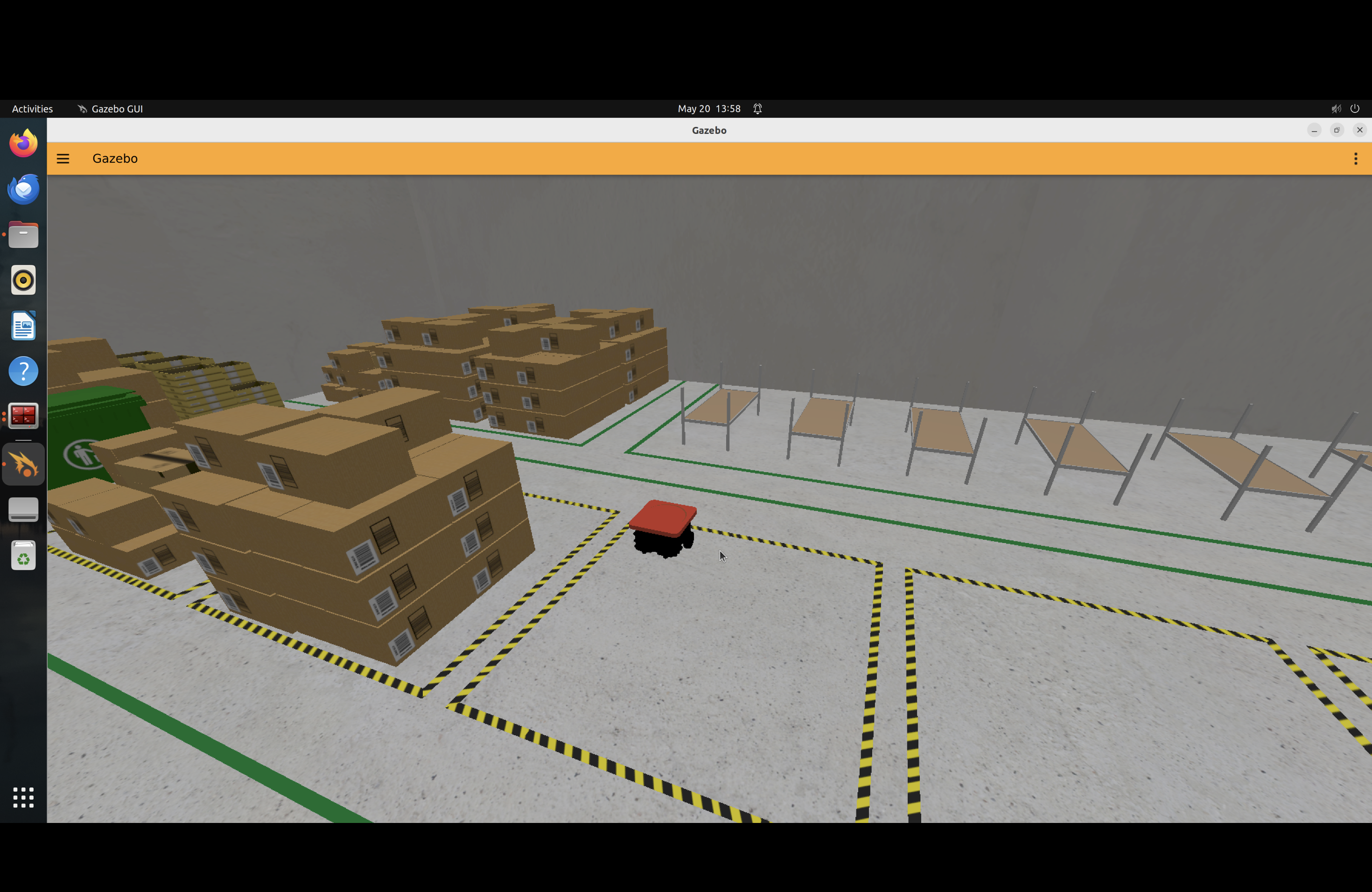
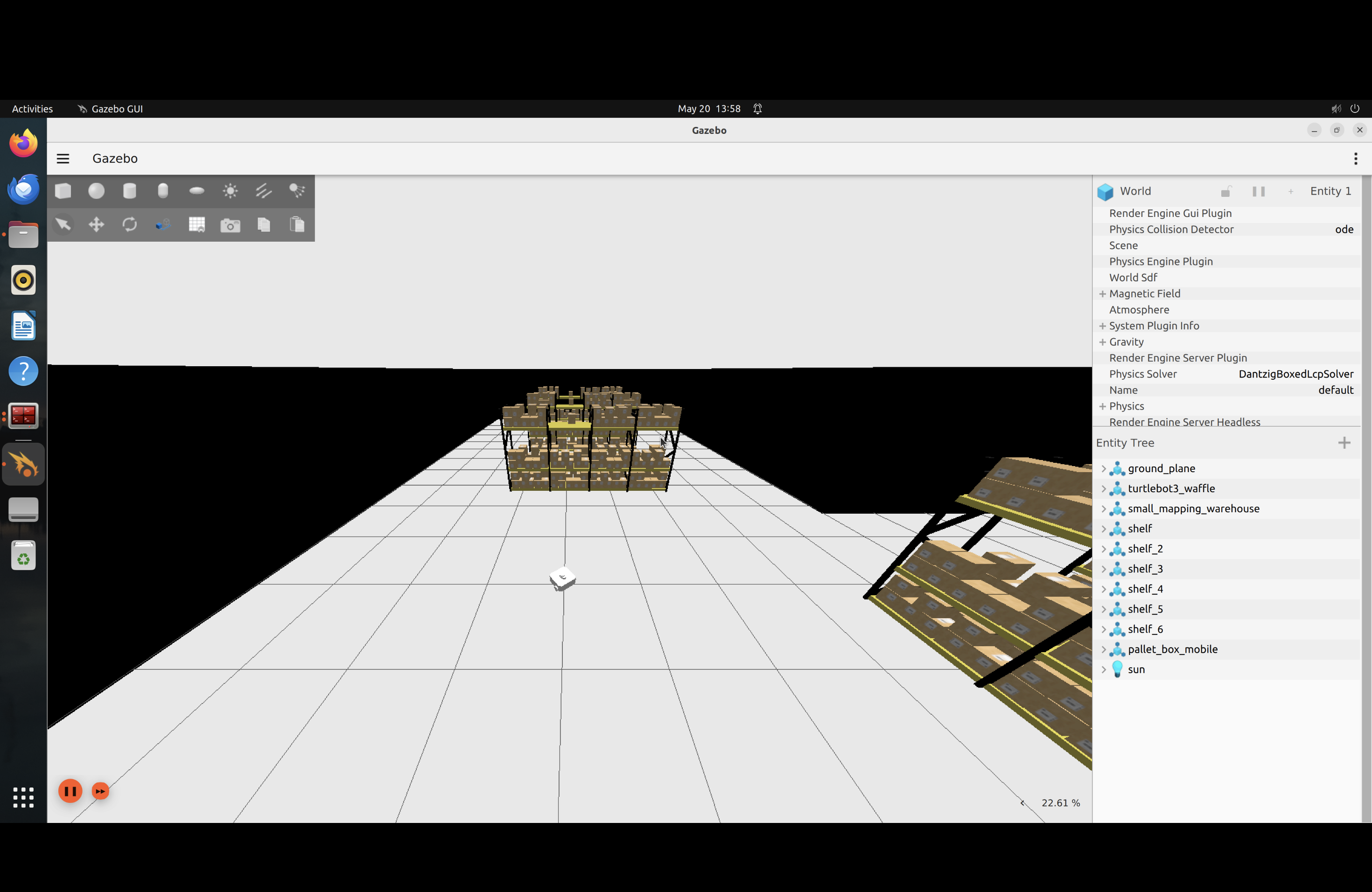
Once the simulation was running, I designed and applied a dedicated VisualCircuit block for this exercise.
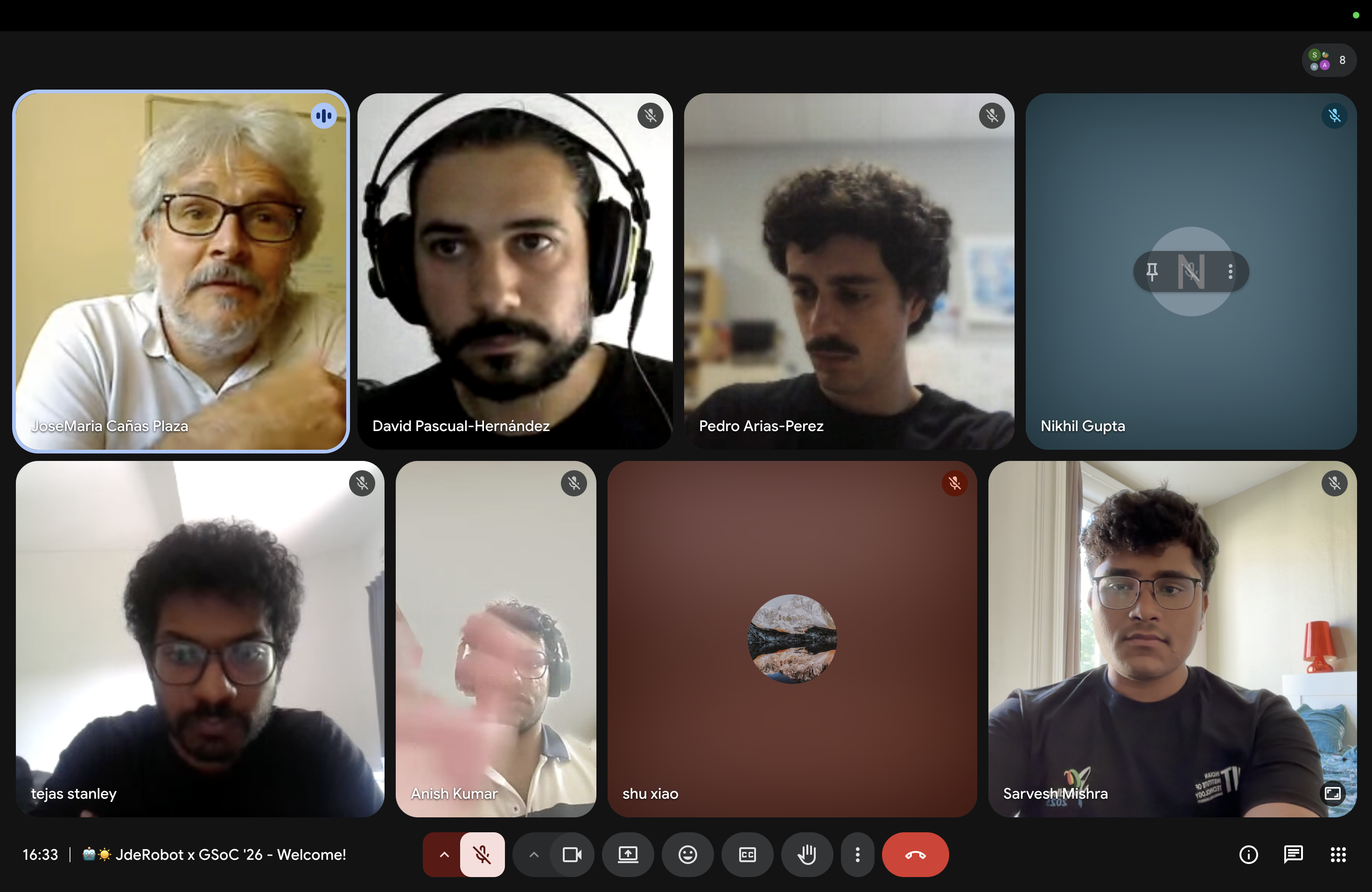
Official JdeRobot Welcome Meeting: I attended the Official GSoC Welcome Meeting for JdeRobot! It was a beautiful session to connect with different mentors, meet fellow contributors, and learn more about JdeRobot’s ecosystem and vision.
Mentor Meeting: We had a very productive meeting where we discussed our next goals and mapped out exactly what I will be doing this week.
Issues Faced & Blockers
- RRTConnect OMPL 2.0.0 Compatibility (
bad_castCrash): While running our path planning engine (RRTConnect), we hit a critical library compatibility issue:- The Setup: RRTConnect requires knowing the exact data type of our start and goal states (specifically that they are 2D coordinates).
- The Problem: In OMPL 2.0.0, passing Python-allocated states (
allocState) to the C++ planner strips away this type information, handing C++ raw memory instead of structured 2D coordinate objects. - The Crash (
bad_cast): Due to strict safety checks in OMPL 2.0.0, the C++ planner panics and throws abad_casterror when trying to parse this raw memory, causing the system to crash. - The Fix: Rather than manually passing state formatting between Python and C++, we can utilize OMPL’s
SimpleSetupclass to handle state allocation entirely in C++. This prevents memory metadata loss and ensures a safe path planning execution.
Laser Mapping Controller Logic: During testing of our Laser Mapping VisualCircuit block, the control logic did not perform optimally. When the robot detects an obstacle, it turns but gets trapped in a circular loop instead of navigating around it. I need to fine-tune the sensor thresholds and control logic to resolve this circling behavior.
- Environment Setup: My main challenge this week was setting up the local development environment for the implementation. Fortunately, we discovered a great solution—I was given a new method to run the environment smoothly through RADI (Robotics Academy Docker Image), which bypassed the initial setup hurdles!
Next Steps
- Implement and test the OMPL
SimpleSetupintegration to resolve thebad_castcrash. - Refine the control loop values for the Laser Mapping block to eliminate the circle-stuck behavior.
- Transition into the official GSoC coding phase.