
Coding Week 10 — Rootless Podman GPU Testing
This week I focused on testing and debugging the migration of RoboticsAcademy to rootless Podman, while enabling GPU acceleration via CDI (Container Device Interface).
I started by modifying dev-test-compose.podman.nvidia.yaml to translate Docker’s GPU passthrough mechanisms into Podman-compatible CDI mappings.
While getting the stack running, I encountered a few blocking issues:
Network Namespace Corruption
When running the container attached (podman-compose up), stopping it via Ctrl+C often timed out and resulted in a forceful SIGKILL. This corrupted the networking namespace, causing aardvark-dns errors (“runs in a different netns”) on the next startup and breaking internal DNS resolution.
The workaround is to always stop the environment with podman-compose down in a separate new terminal after ctrl+C to stop the logs there. This fully wipes the container and its networking configuration, guaranteeing a clean slate.
The Infinite Buffering Bug
When running in detached mode (podman-compose up -d), refreshing the browser tab caused the Gazebo VNC viewer to get stuck on an infinite “Connecting…” spinner.
I traced this to a websocket disconnect triggered by the page refresh. An unhandled Django error in save_file interrupted the backend cleanup sequence in manager.py. Because cleanup aborted, the original Xvnc and websockify processes became zombies holding onto port 6080. Upon reconnecting, a new Gazebo simulation spawned on the next available port (6082). But since the React frontend (tools.tsx) has hardcoded ports, it attempted to connect to the leaked session on 6080, causing the buffering.
If a refresh happens, a full down and up cycle is needed to clear the leaked processes.
Camera “No image available”
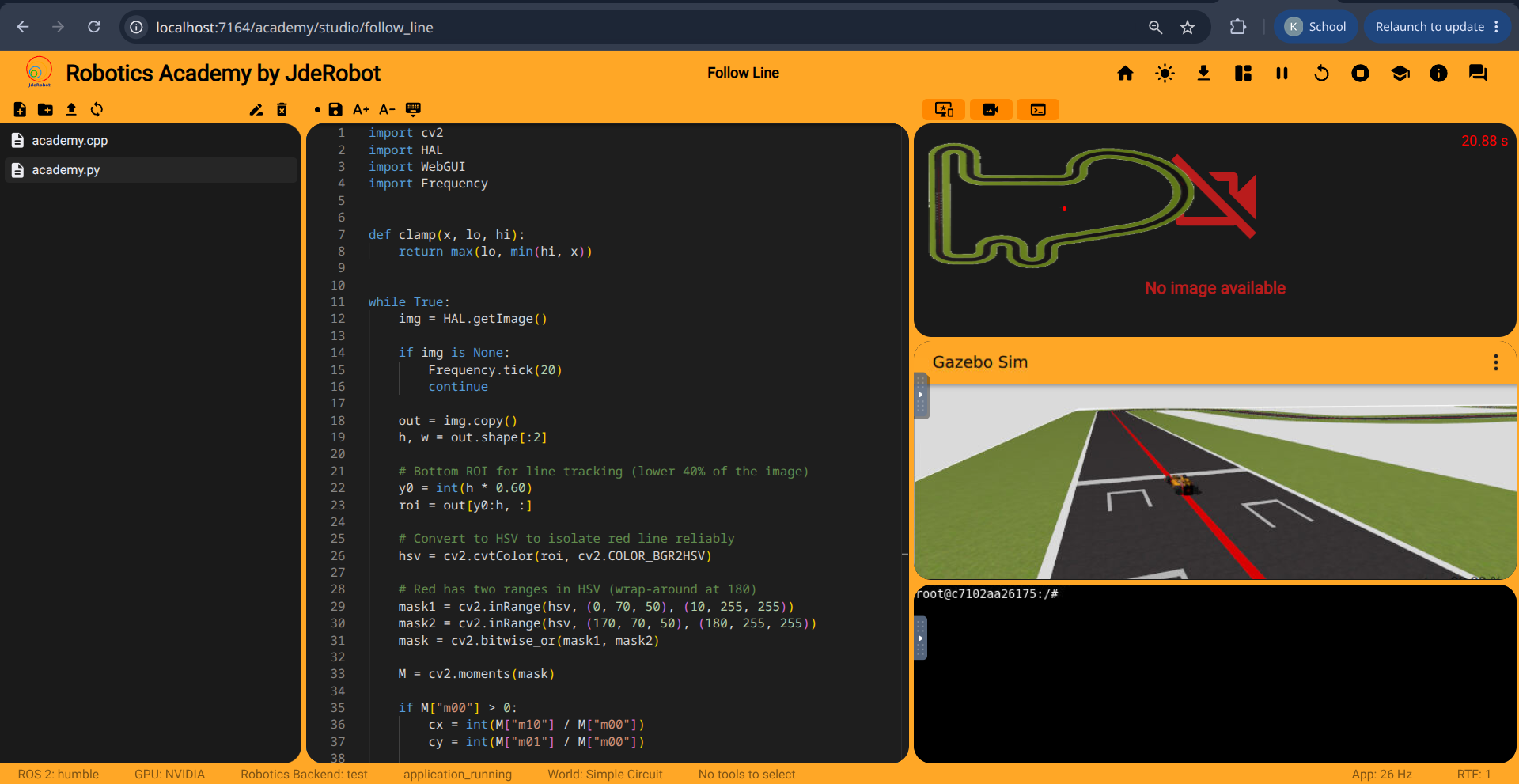
The camera widget was reporting “No image available” (and HAL.getImage() returned None). I initially thought this might be a GPU passthrough issue, but it occurred on CPU as well.
The root cause was a code version mismatch. The local repo was updated to include namespace prefixes in ROS2 topics (e.g., /f1/camera/image_raw), but the Docker image was built before this rename. Since the compose files did not bind-mount the RoboticsInfrastructure submodule, the built-in Gazebo models were publishing to the old topic names while the local Python code listened to the new names.
GPU Validation Outcomes
Despite the issues, I proved GPU passthrough works under rootless Podman. Running vglrun glxinfo inside the container correctly reported the NVIDIA GTX 1650. This offloads the 3D rendering workload and reduces CPU overhead.
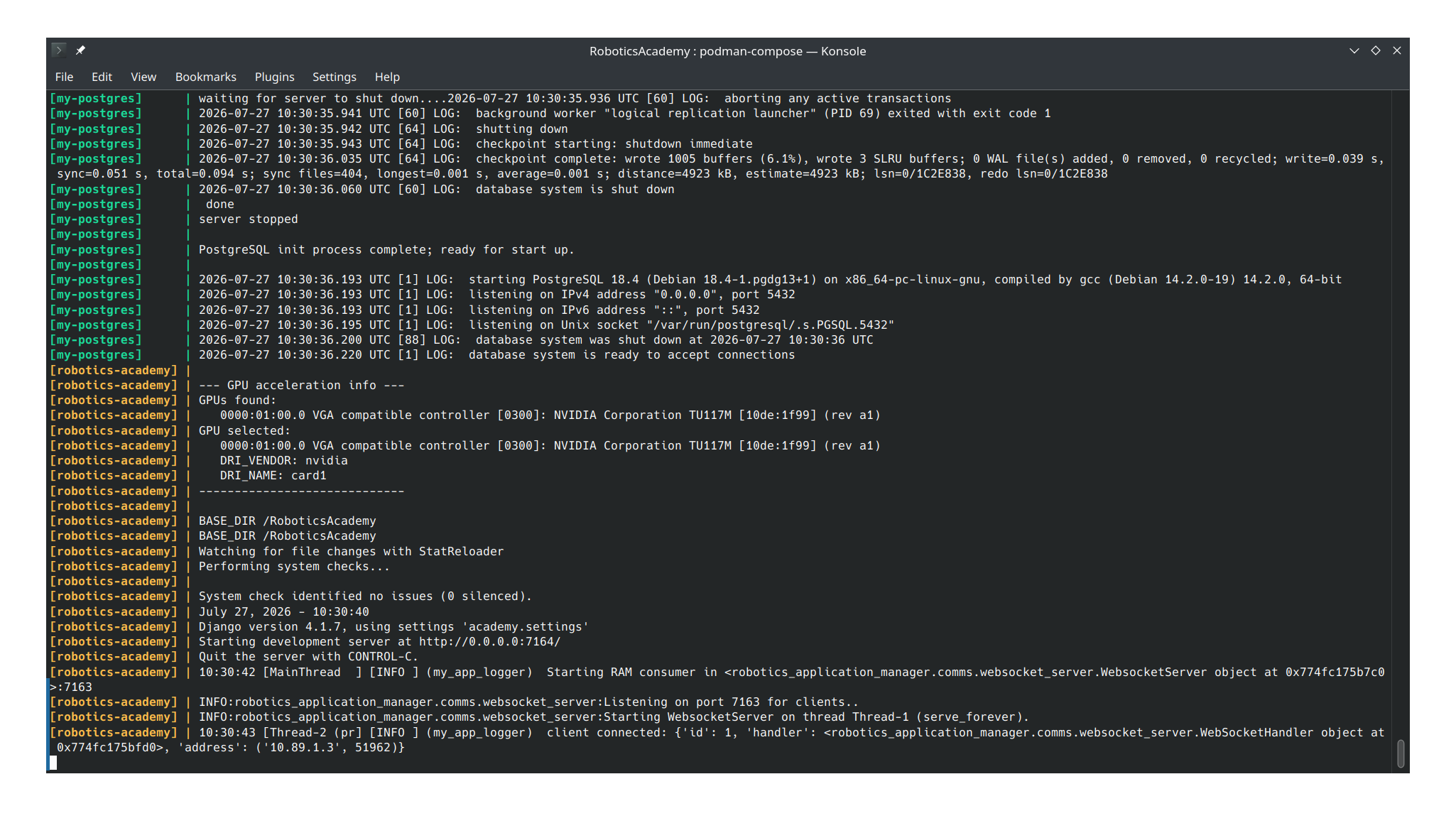
Here are recordings of the Follow Line exercise running with both configurations:
What’s Next
The next focus is solving the “Error saving file” bug from Week 8. I also need to find a solid workaround to stop Podman containers gracefully, similar to Docker, since the forceful terminations currently break the environment.