Testing the RoboticsAcademy CPU Workflow on Windows with Podman
We tested the RoboticsAcademy CPU development workflow on Windows using WSL2, rootless Podman, podman-compose 1.6.0, and Podman 5.8.3.
Initial Attempt
The first test with user_humble_cpu.yaml showed that Podman could start the stack, but the current jderobot/robotics-academy:latest image could not initialize Django because the required react_frontend Python files were absent from the image. We verified this directly from the image contents, establishing that this was independent of Podman.
Development Workflow
We then moved to dev_humble_cpu.yaml. One important Podman-specific detail was relative bind-mount resolution. With the compose file under compose_cfg, paths such as ./database were resolved relative to that directory. Using the repository’s documented Windows approach of placing the development configuration at the repository root as docker-compose.yaml allowed the expected bind mounts to resolve correctly.
Frontend
Because the development configuration bind-mounts the repository into the container, the local frontend artifacts also needed to be generated. We installed the frontend dependencies, generated common.zip, and successfully built the frontend, producing webpack-stats.json.
The first browser run exposed a React runtime error. Rebuilding the frontend with an explicit NODE_ENV=production resolved that error and allowed the RoboticsAcademy web interface to load.
Current State
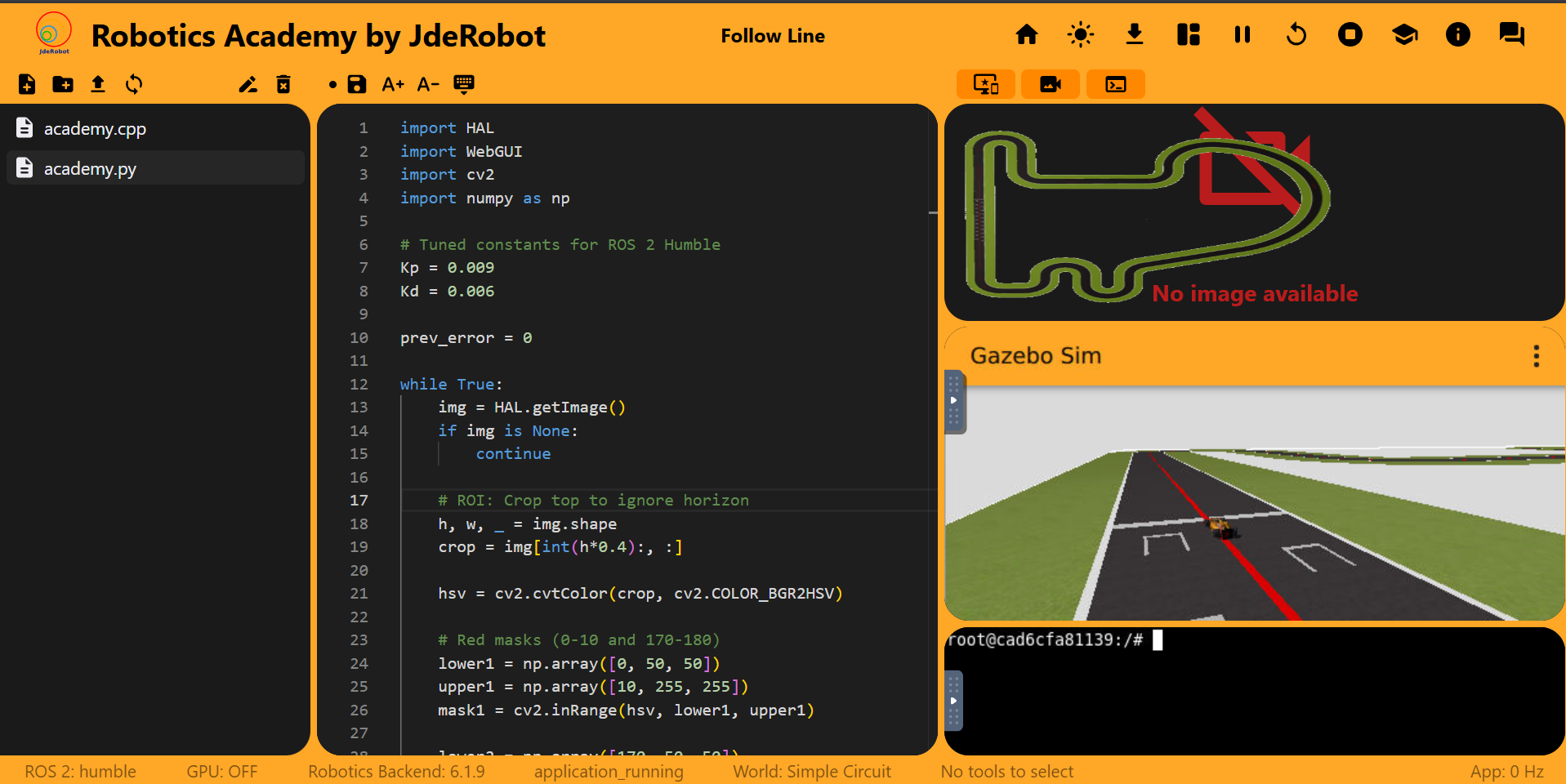
The CPU stack is now running successfully on Windows with WSL2, rootless Podman, and podman-compose. The RoboticsAcademy website is accessible on localhost:7164, and the Follow Line exercise interface and Gazebo simulation load correctly.
However, this does NOT yet mean the exercise itself is fully functional. The current remaining issue is robot execution/actuation: the Follow Line simulation is visible, but the car does not currently respond and move as expected when the exercise code is running.
We have therefore verified the containerized application and frontend stack, but not yet the complete end-to-end exercise workflow.
Next Step
Before moving to GPU testing, the CPU investigation should identify why the robot is not responding and verify one complete exercise execution under Podman.
Once that works, we can use the working CPU configuration as the baseline for investigating the GPU workflow.