Coding Period Week 8 (July 17 ~ July 23)
This week was all about making monumental structural improvements to the VisualCircuit Marketplace. Last week, I mentioned I was at an architectural crossroads regarding where to physically store downloaded blocks. After a fantastic sync with my mentor, we locked in the workflow, and I spent the week entirely rewriting the storage system!
🎯 The Main Goals for the Week
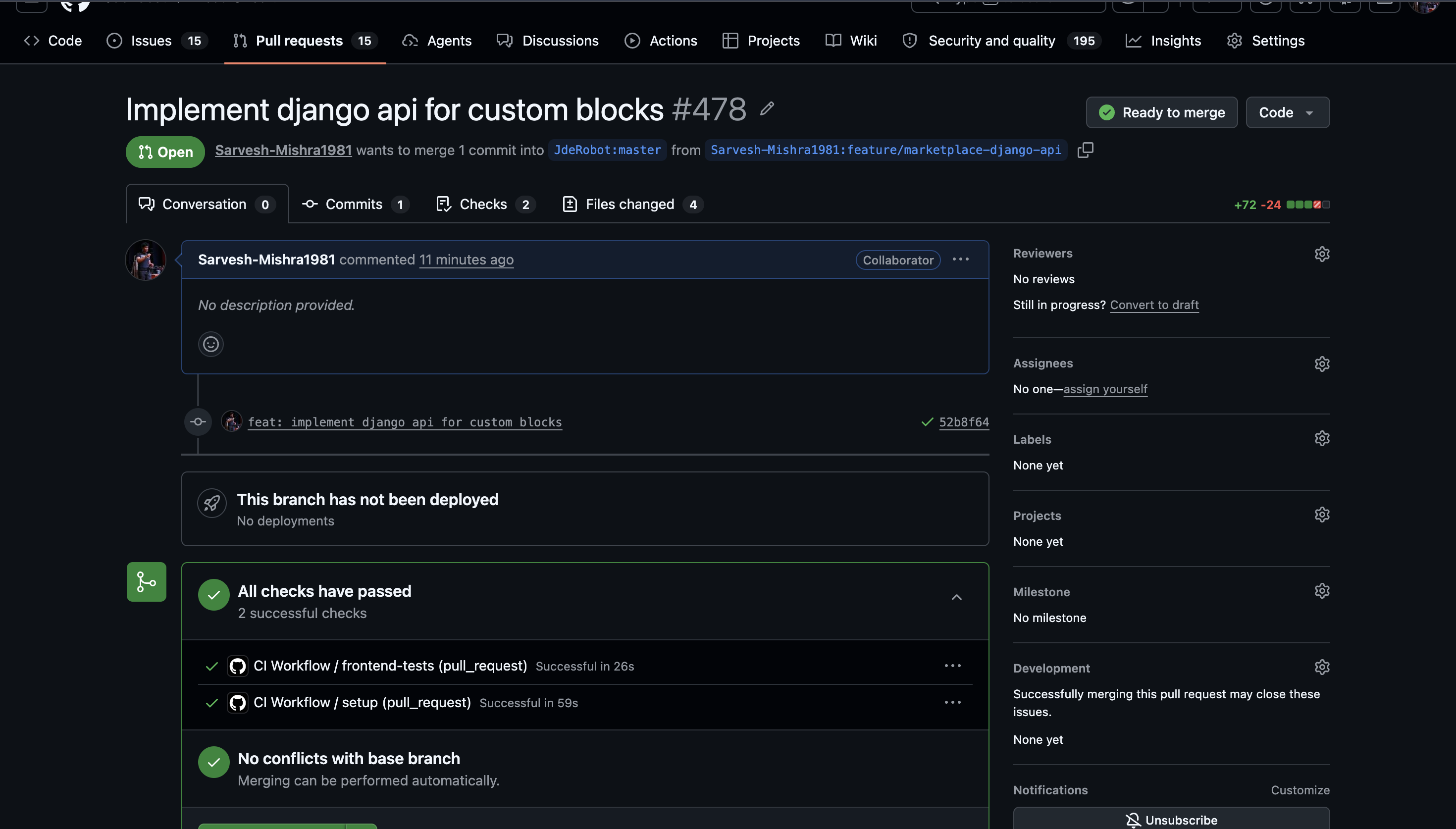
- [x] Permanent Local Storage Integration: Finalize the storage architecture with the mentor and rebuild the download system so custom blocks save permanently in the correct place. Raise the PR for these changes.
- [ ] Video Editing: Provide more information and polish the showcase video for the Obstacle Avoidance exercise (Pushed to next week as the backend refactor took the entire week!).
🤝 Mentor Meeting & Architectural Decisions
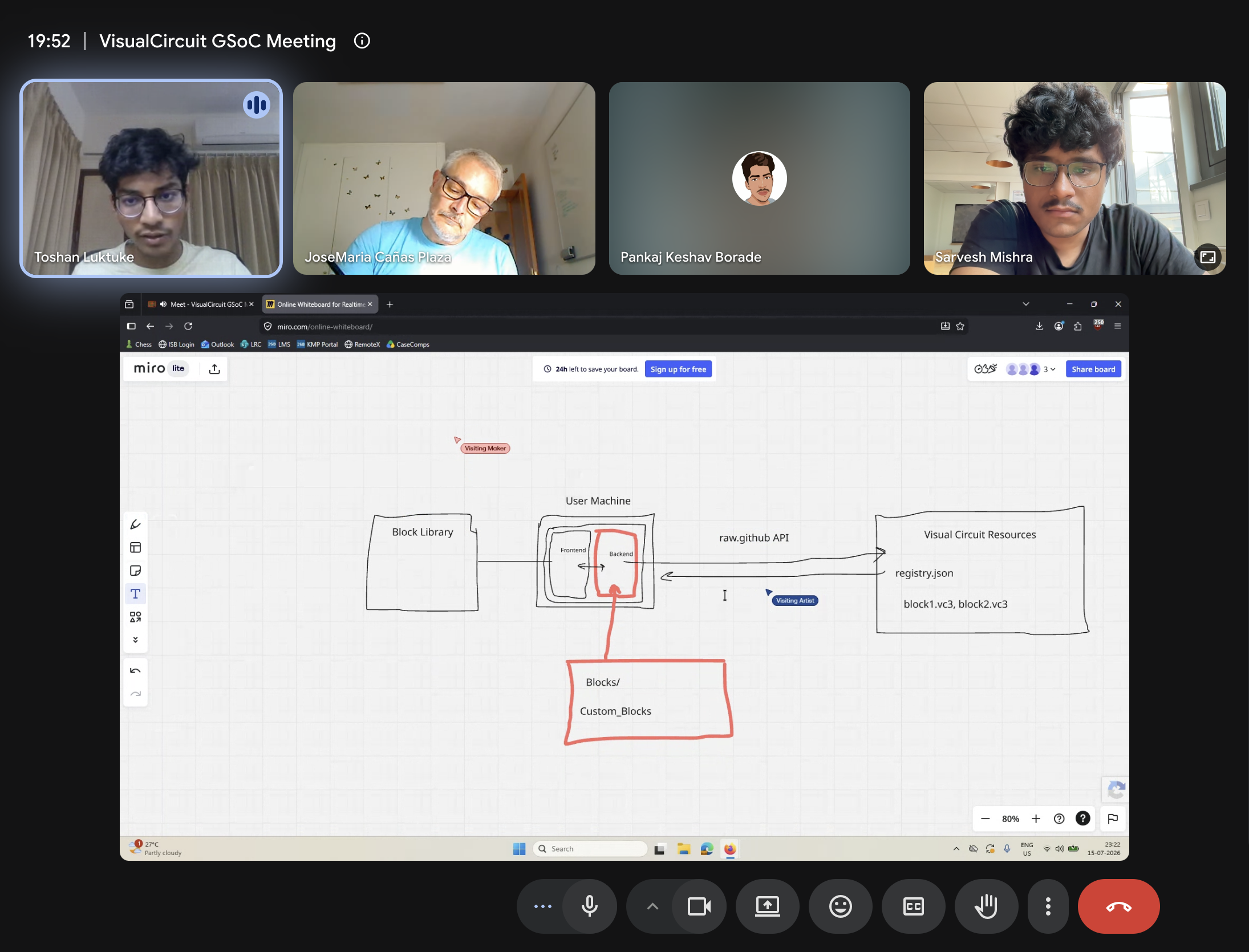
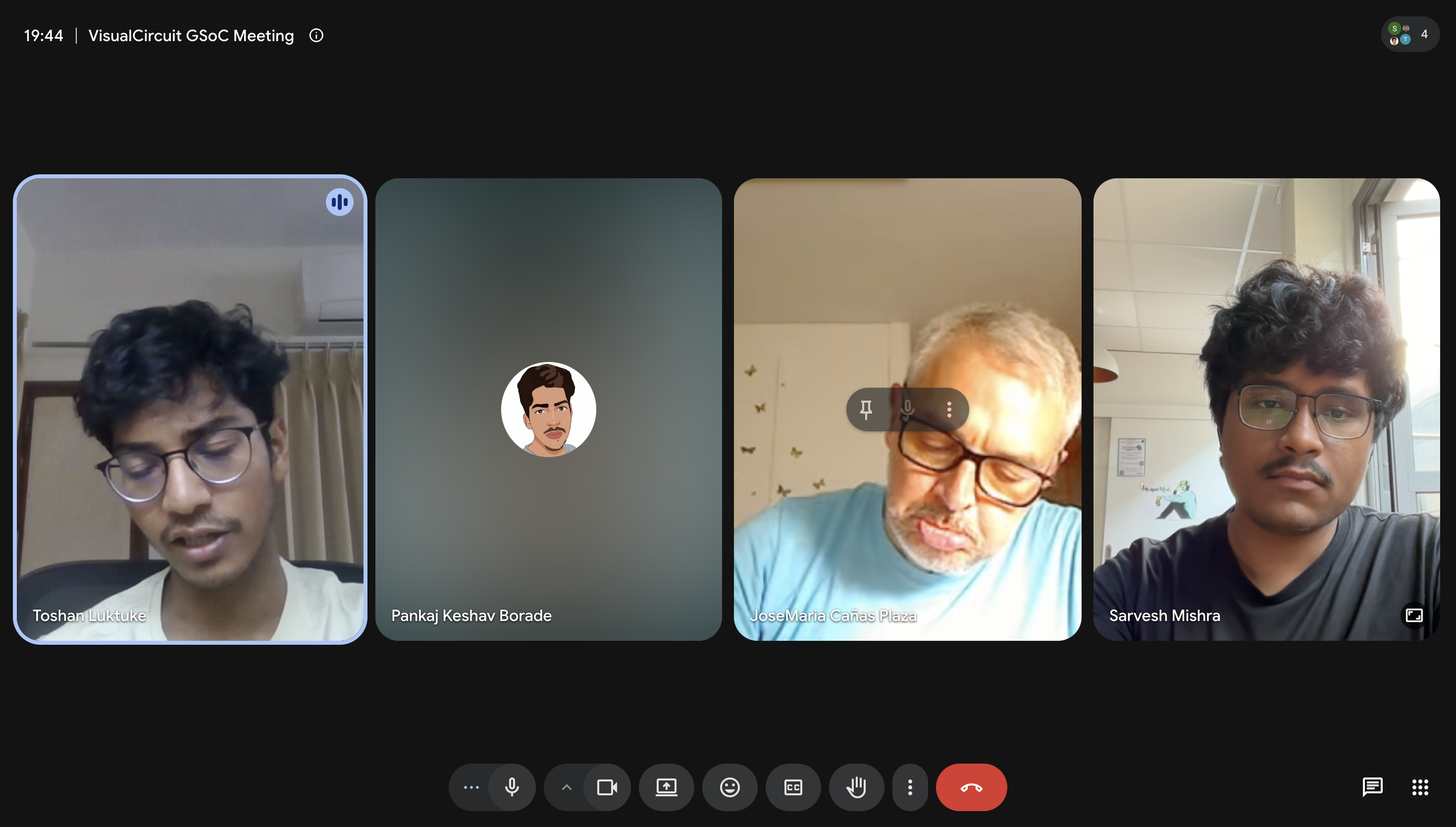
Early in the week, my mentor and I had a meeting specifically to discuss the massive issue of block storage. We walked through the pros and cons of local browser storage versus backend physical storage, and mapped out a proper full-stack Django architecture to solve it once and for all.
🏗️ Rebuilding the Storage Architecture
The Old System (Browser Cache)
Previously, the VisualCircuit marketplace relied entirely on the user’s web browser cache (localStorage) to save downloaded blocks. When a user clicked “Install”, the frontend would simply push the block’s JSON data into the browser’s local memory, and the “Downloads” menu would read directly from that cache to display the blocks.
The Major Flaw: This meant that if a user ever cleared their browser history or used a different computer, all of their downloaded custom blocks would be instantly deleted and lost forever! Furthermore, the Python backend had zero awareness of these blocks since they only existed temporarily inside the React frontend’s memory.
The New System (Full-Stack Django Integration)
To fix this, we completely ripped out the localStorage mechanism and implemented a highly robust, full-stack architecture utilizing Django.
Here is how the new flow works:
- The Installation (POST): Now, when a user clicks “Install”, the React frontend makes a
POSTrequest (/api/install_block) to send the block directly to the Django backend. The backend then securely saves it as a permanent.vc3file inside a newbackend/custom_blocks/repository folder on the user’s hard drive. - The Retrieval (GET): When the user opens VisualCircuit, the frontend dynamically populates the “Downloads” sidebar menu by making a
GETrequest (/api/installed_blocks) to the server. The server reads the physical.vc3files from that custom blocks folder and passes them back to the UI.